100% ownership
Your notes, your tasks, your data—stored on your server, not someone else’s cloud.

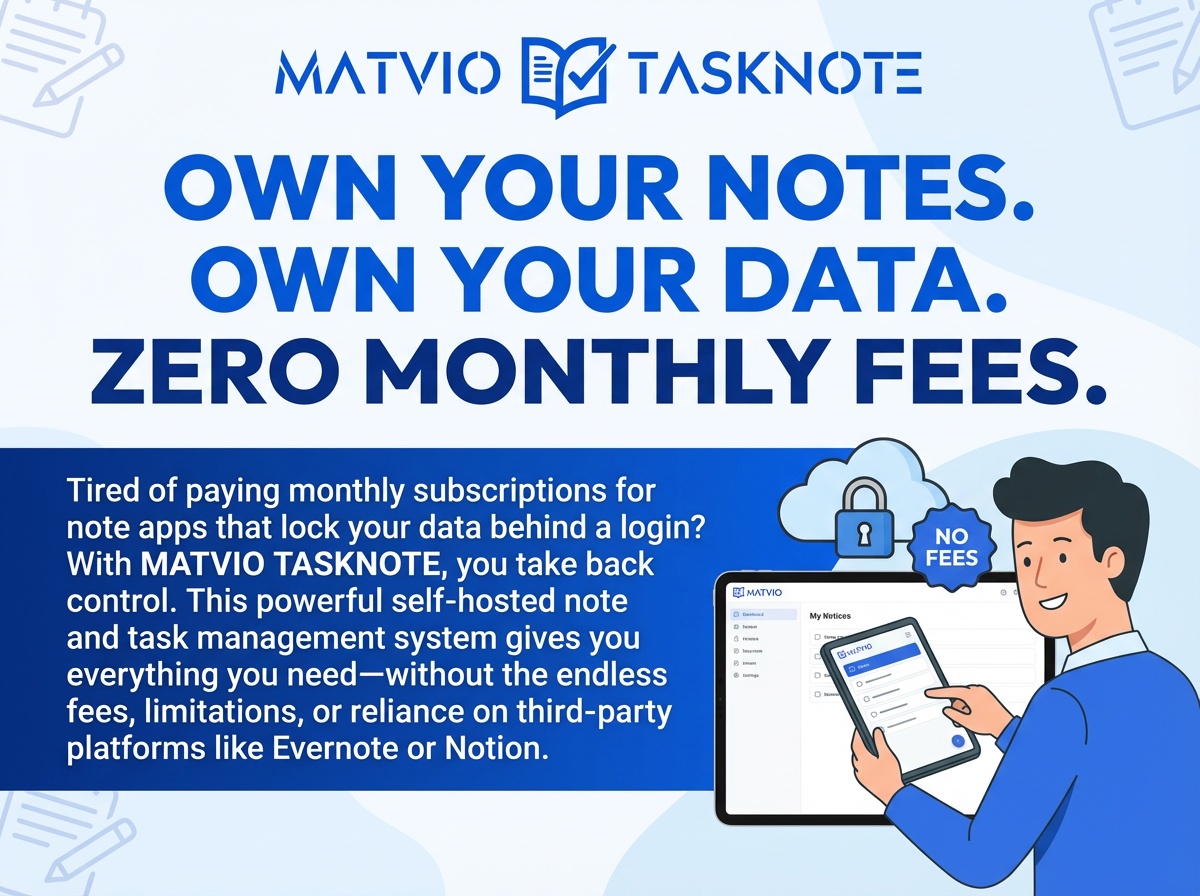
Tired of paying monthly subscriptions for note apps that lock your data behind a login?
With MATVIO TASKNOTE, you take back control. This powerful self-hosted note and task management system gives you everything you need—without the endless fees, limitations, or reliance on third-party platforms like Evernote or Notion.
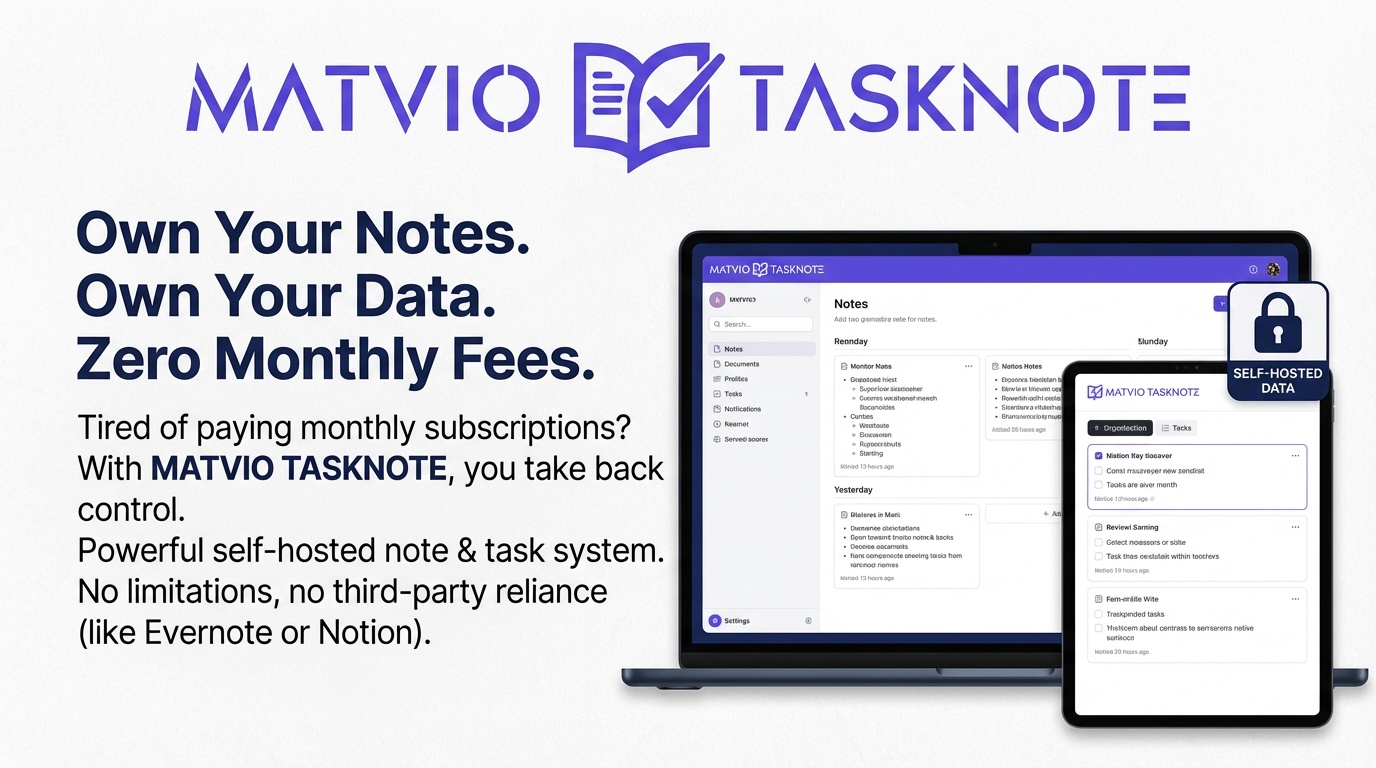
It is a self-hosted web application you run on your PHP and MySQL (or MariaDB) server. Each user gets a private library of notebooks and notes with rich text, tasks, tags, and powerful search. Administrators can manage users and plans; everyone else gets a focused workspace with Evernote import and full JSON backup and restore—so your data stays portable and under your control.
Everything you need to capture ideas and get work done—without renting someone else’s cloud.
Your notes, your tasks, your data—stored on your server, not someone else’s cloud.
Pay once. Use forever. No subscriptions. No surprise price increases.
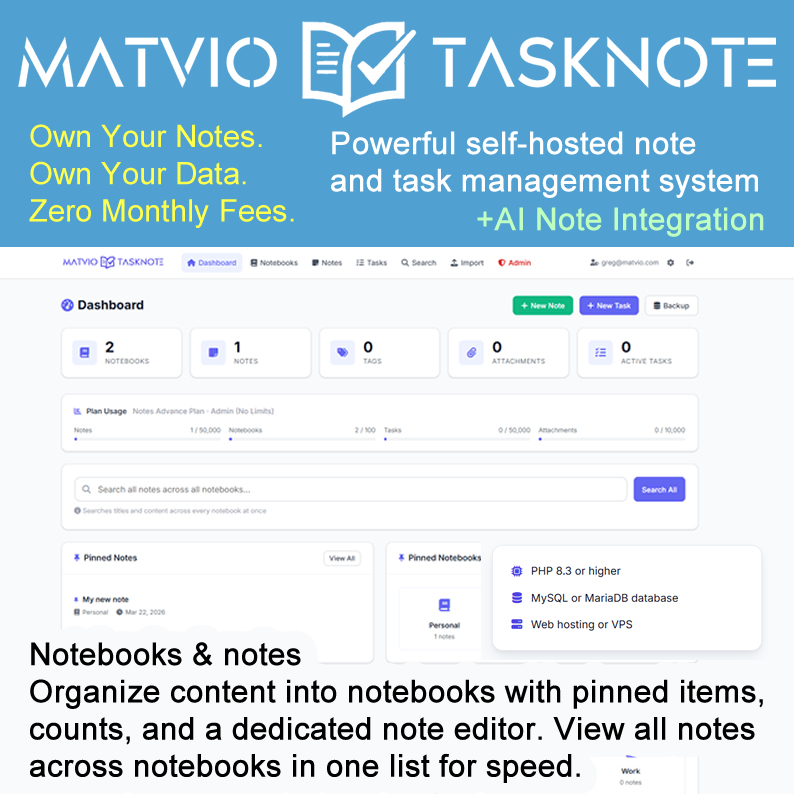
Built with PHP 8.3+ and MySQL/MariaDB—speed and reliability without bloat.
Upload the files, run the installer, connect your database—you’re live in minutes.
No third-party tracking. No data mining. No risk of account shutdowns.
Stop paying for limits, paywalls, and platforms that own your access.
When you can run your own system and:
MATVIO TASKNOTE is your personal Evernote alternative—without the strings attached.
Whether you’re a creator, entrepreneur, or professional—this is your all-in-one workspace.
Fast capture, easy retrieval, and safe export—technical capabilities you can rely on when you self-host.
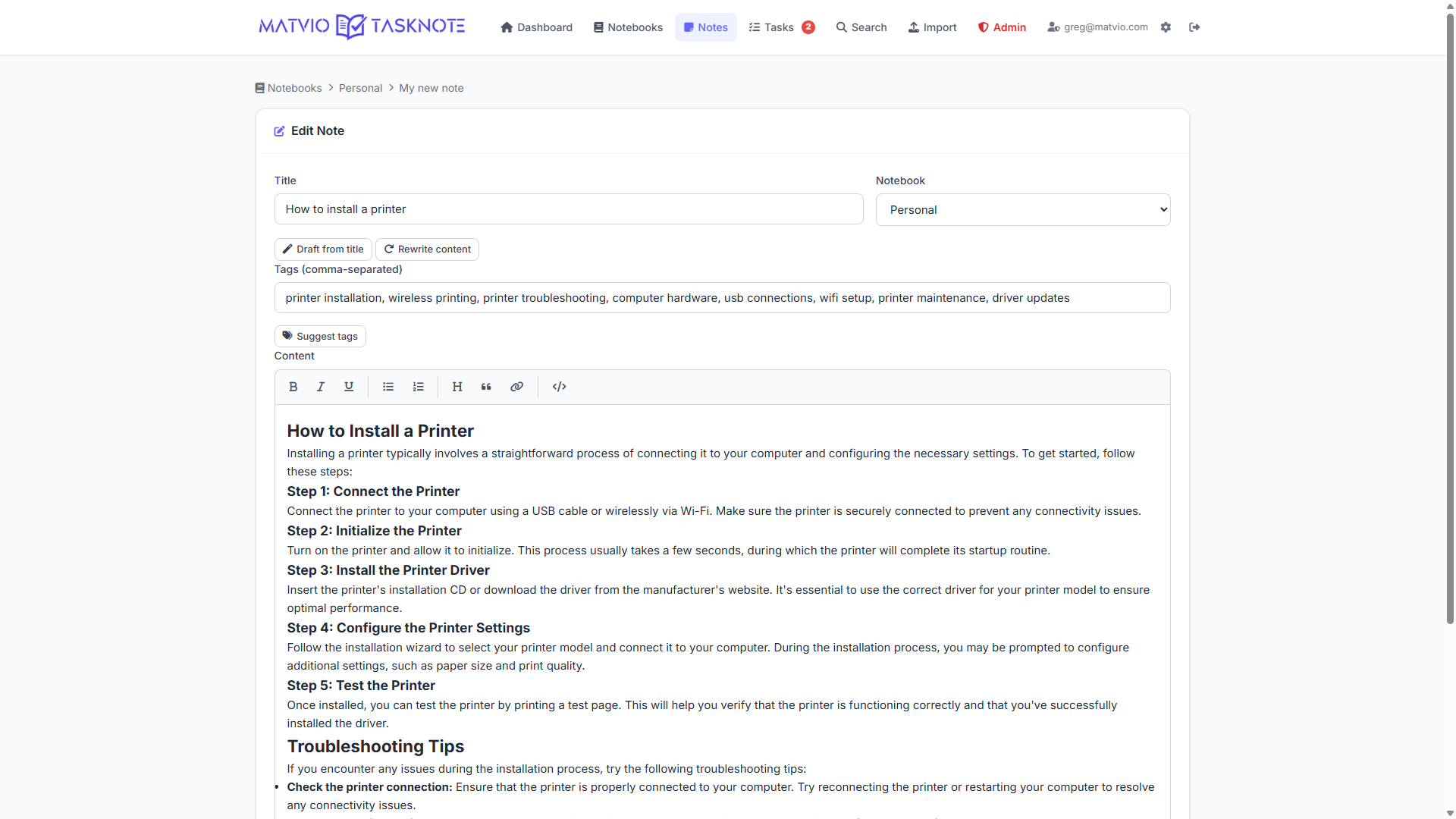
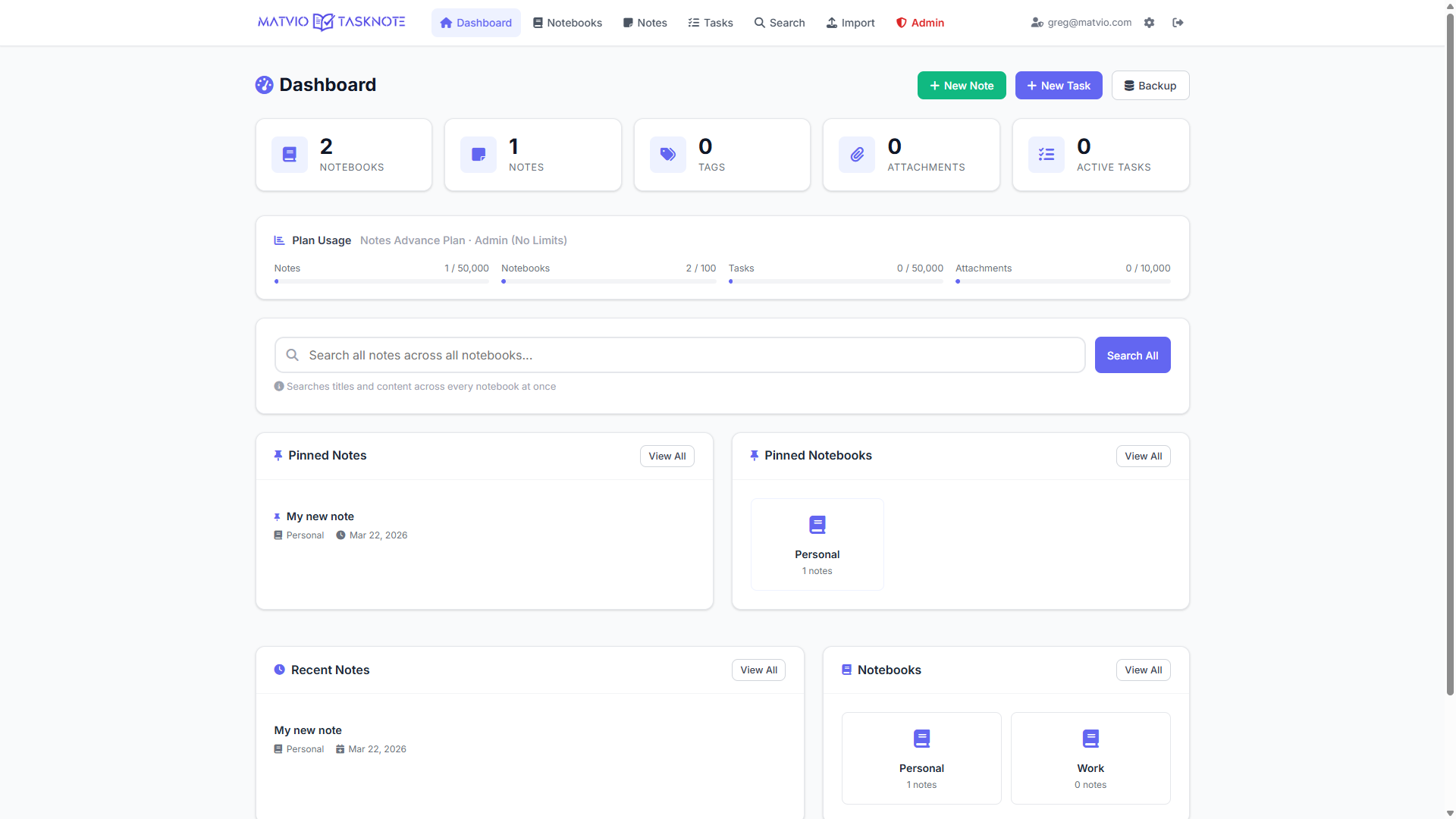
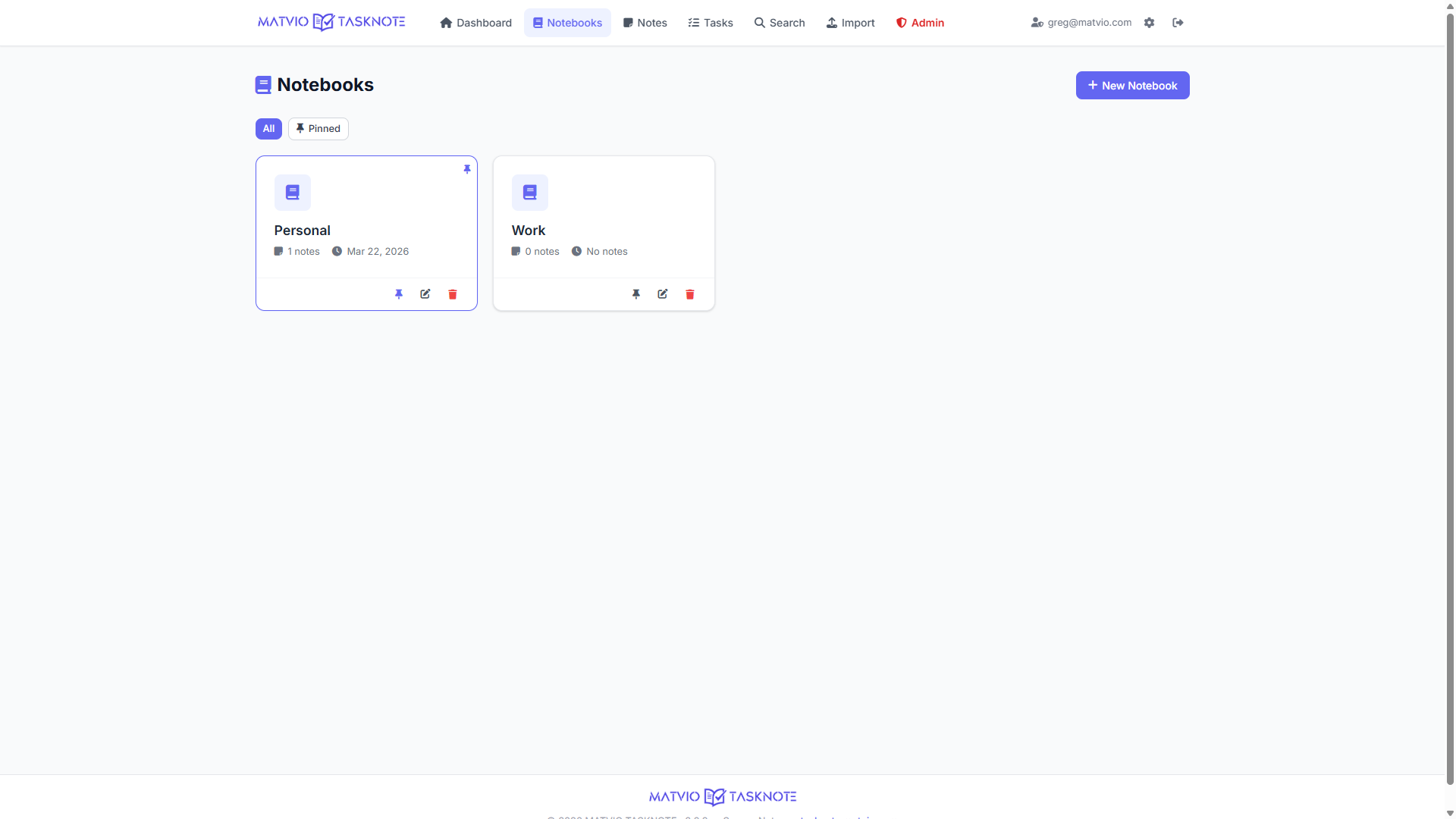
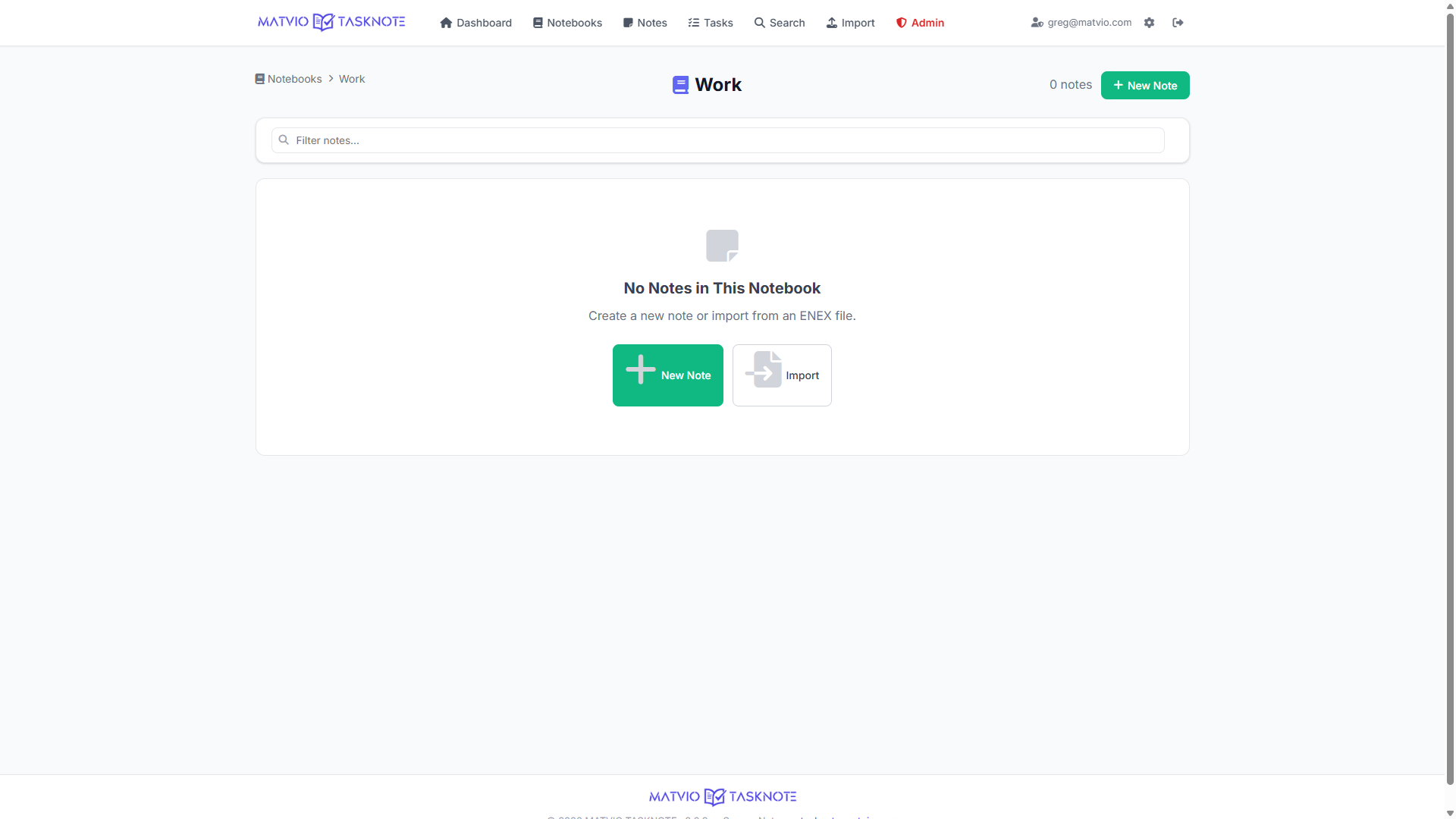
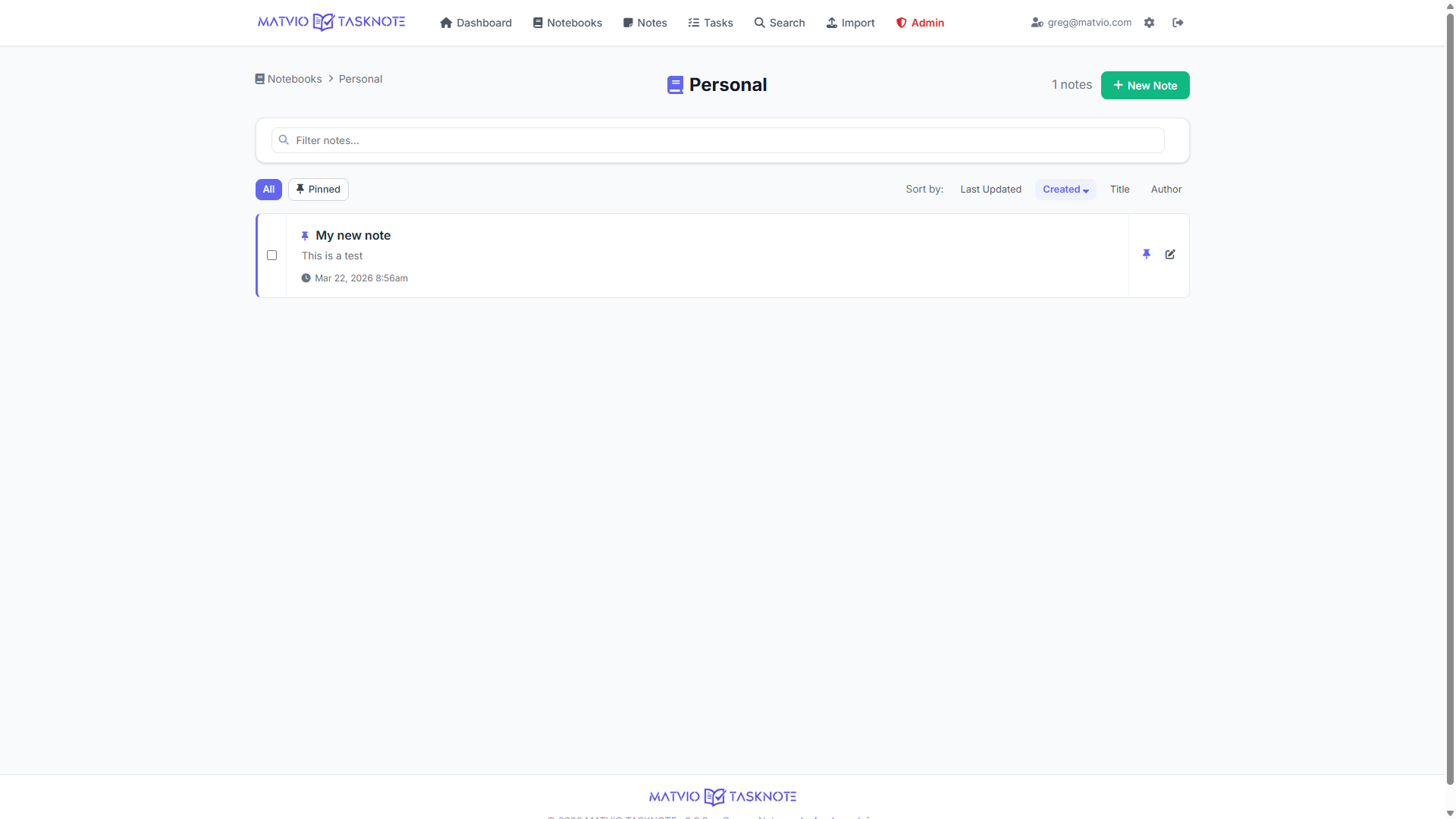
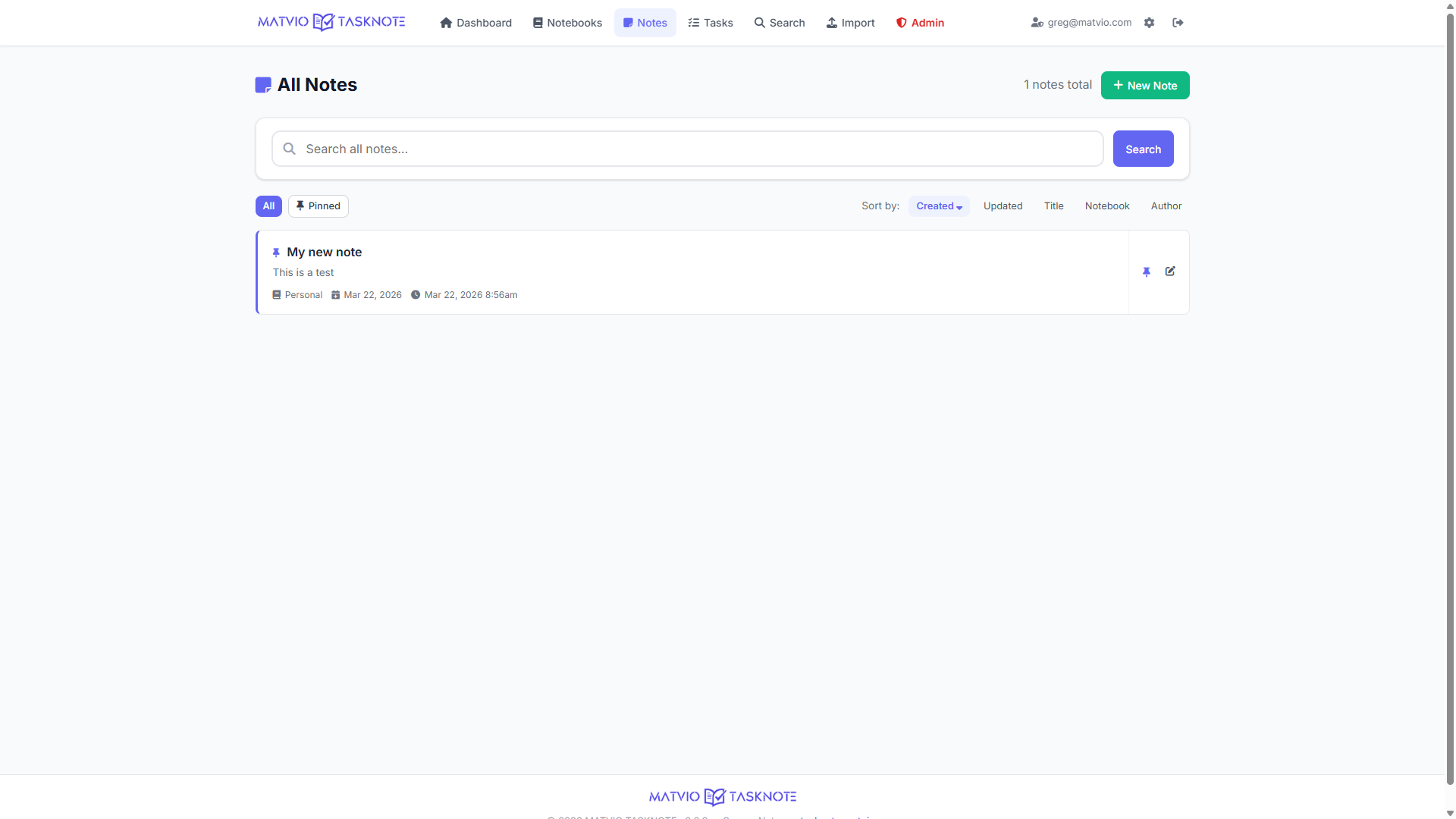
Organize content into notebooks with pinned items, counts, and a dedicated note editor. View all notes across notebooks in one list for speed.
Tag notes for cross-notebook discovery. Note-to-tag relationships are preserved on backup and restore.
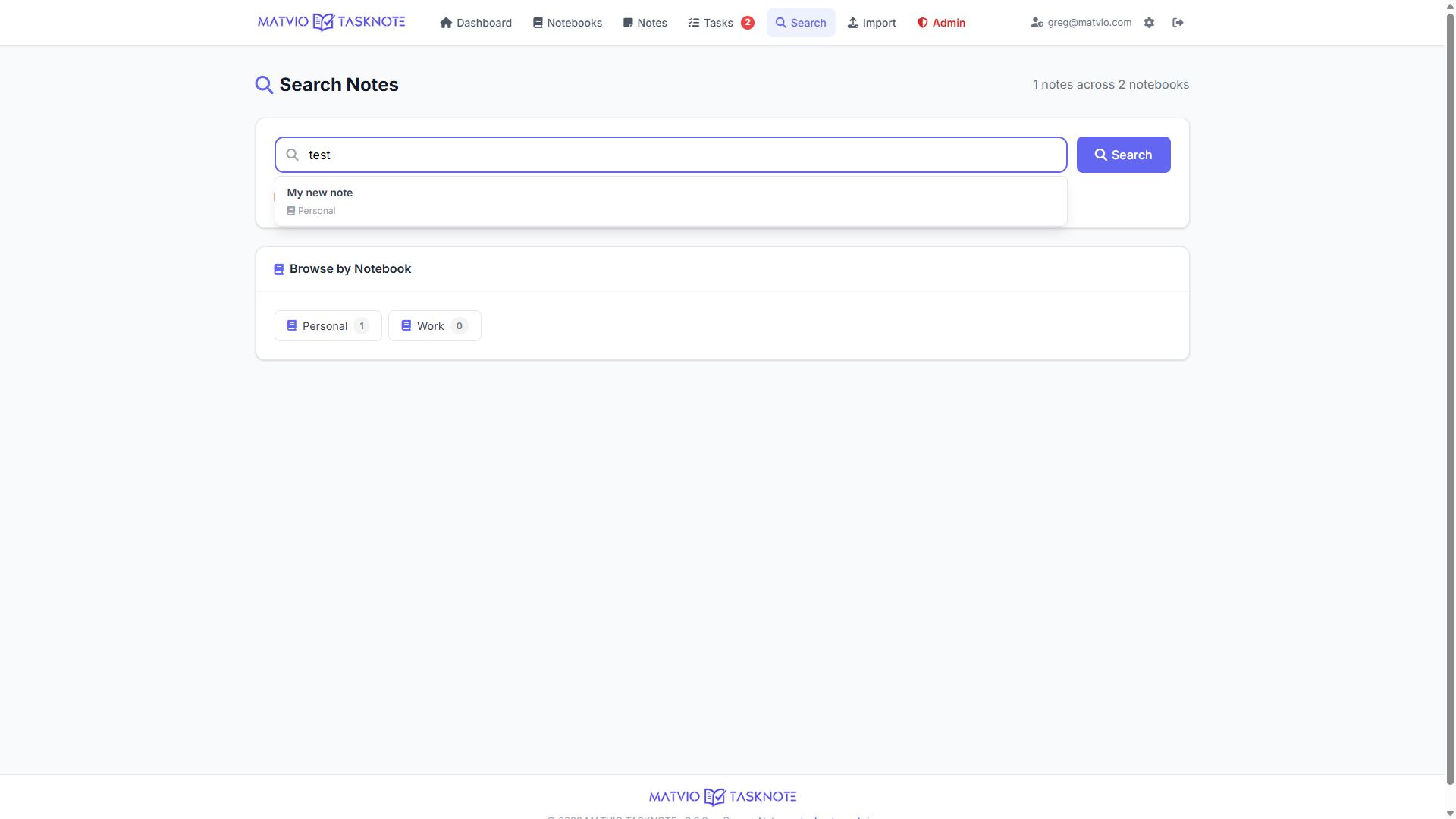
Search titles and body text across your library to surface the right note in seconds.
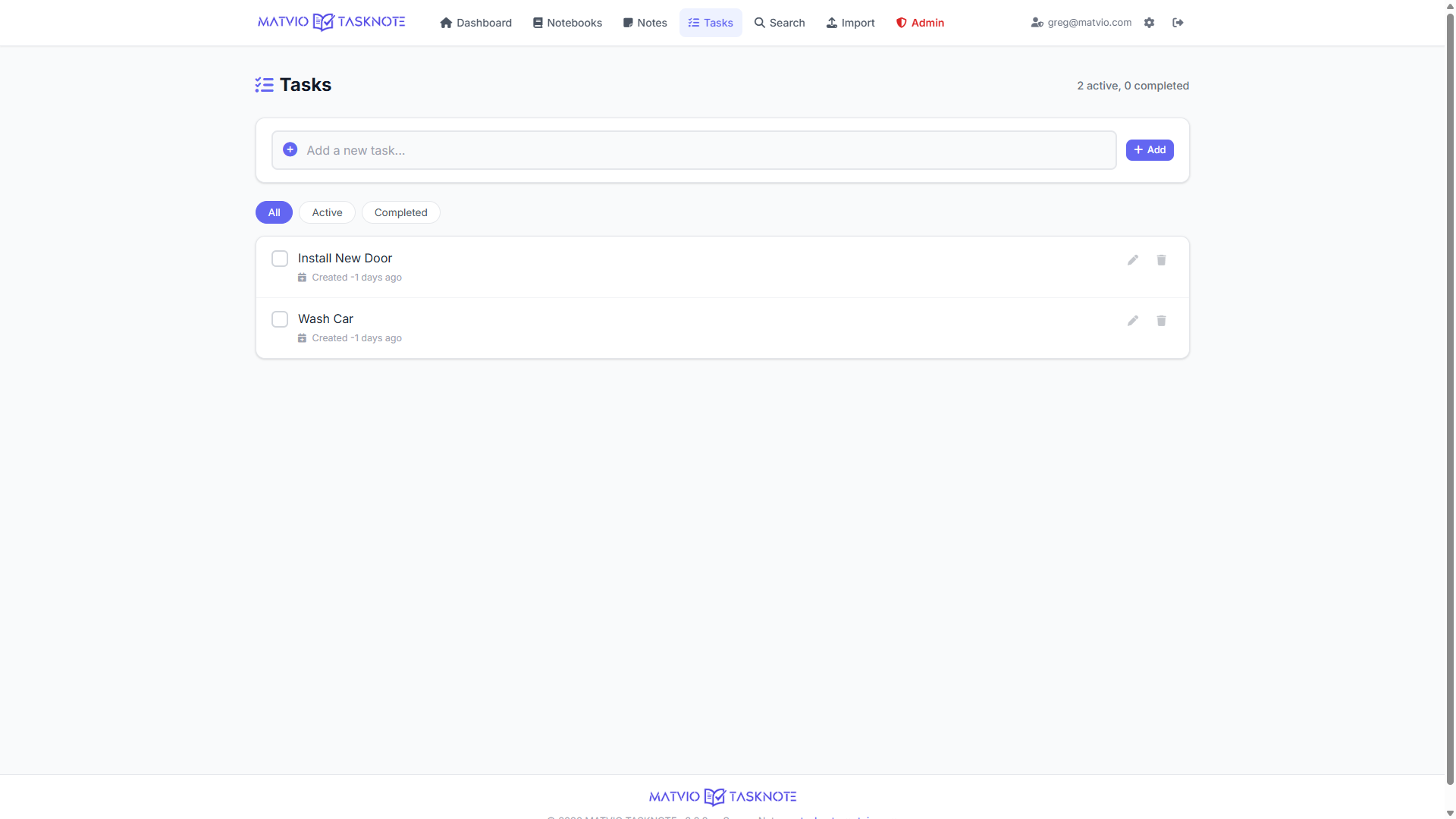
Keep a focused task list with done states, ordering, and optional completion timestamps — with usage aligned to your plan.
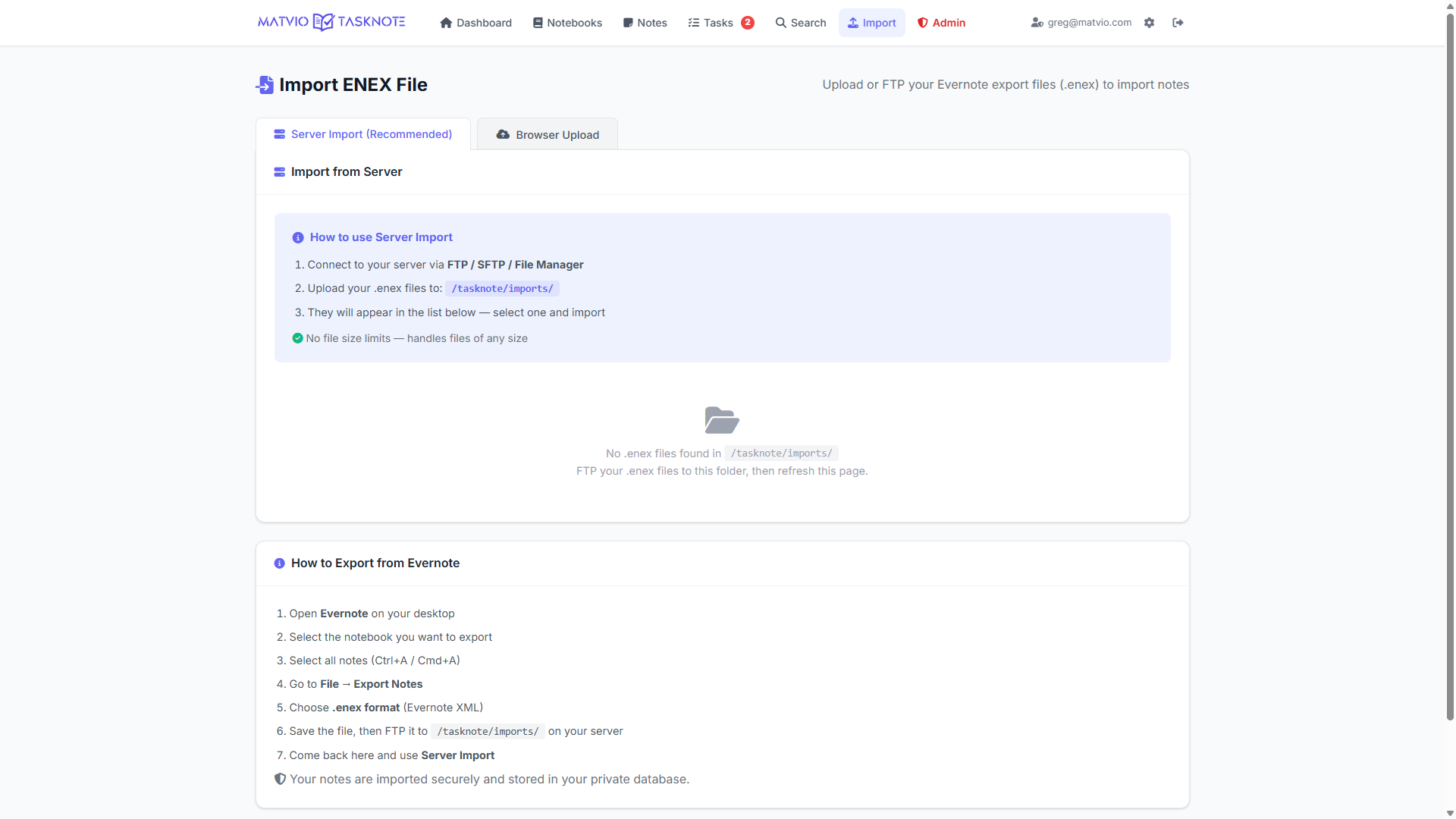
Upload or server-import .enex files to bring notebooks and notes into TASKNOTE, including attachments where supported.
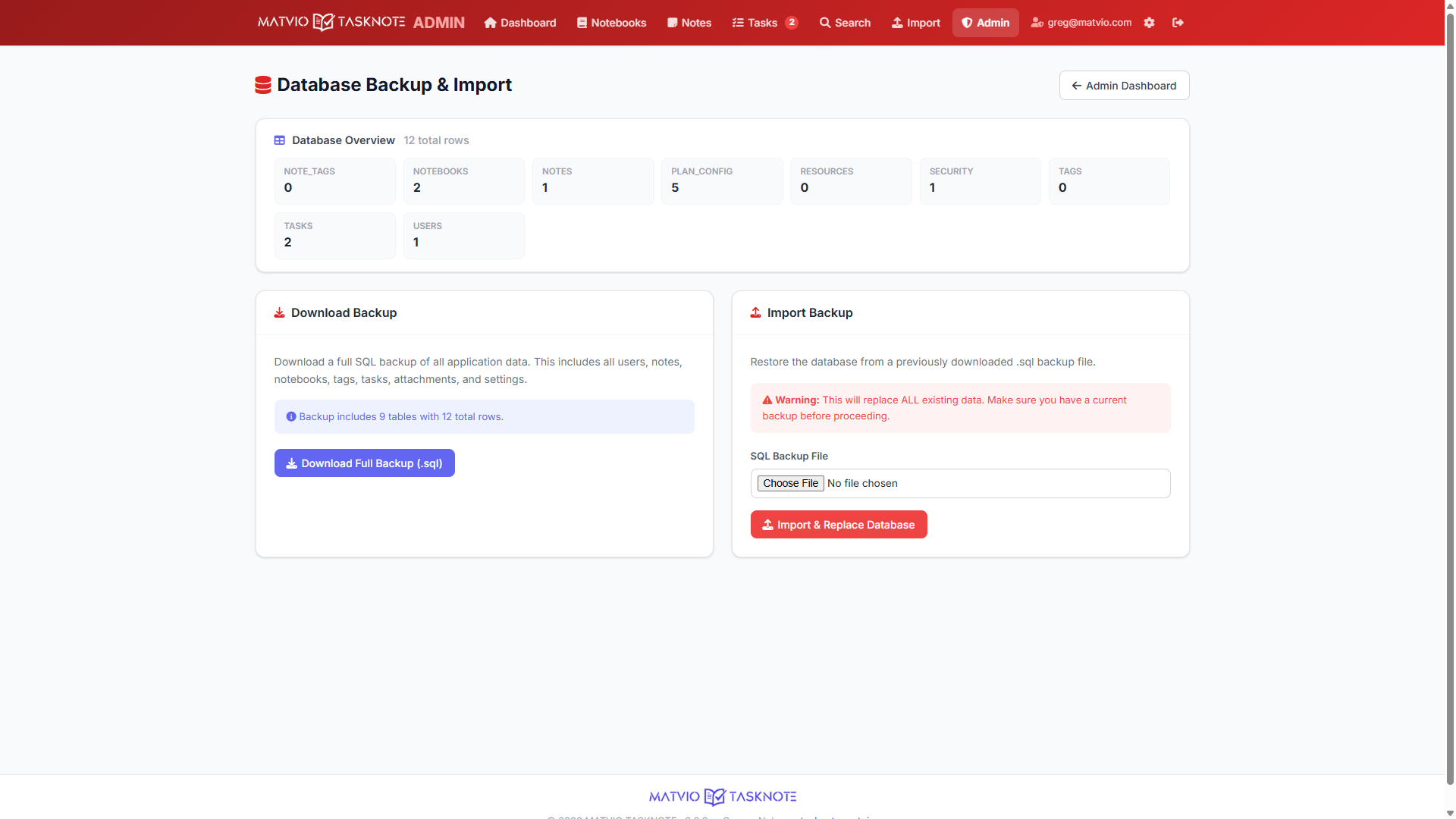
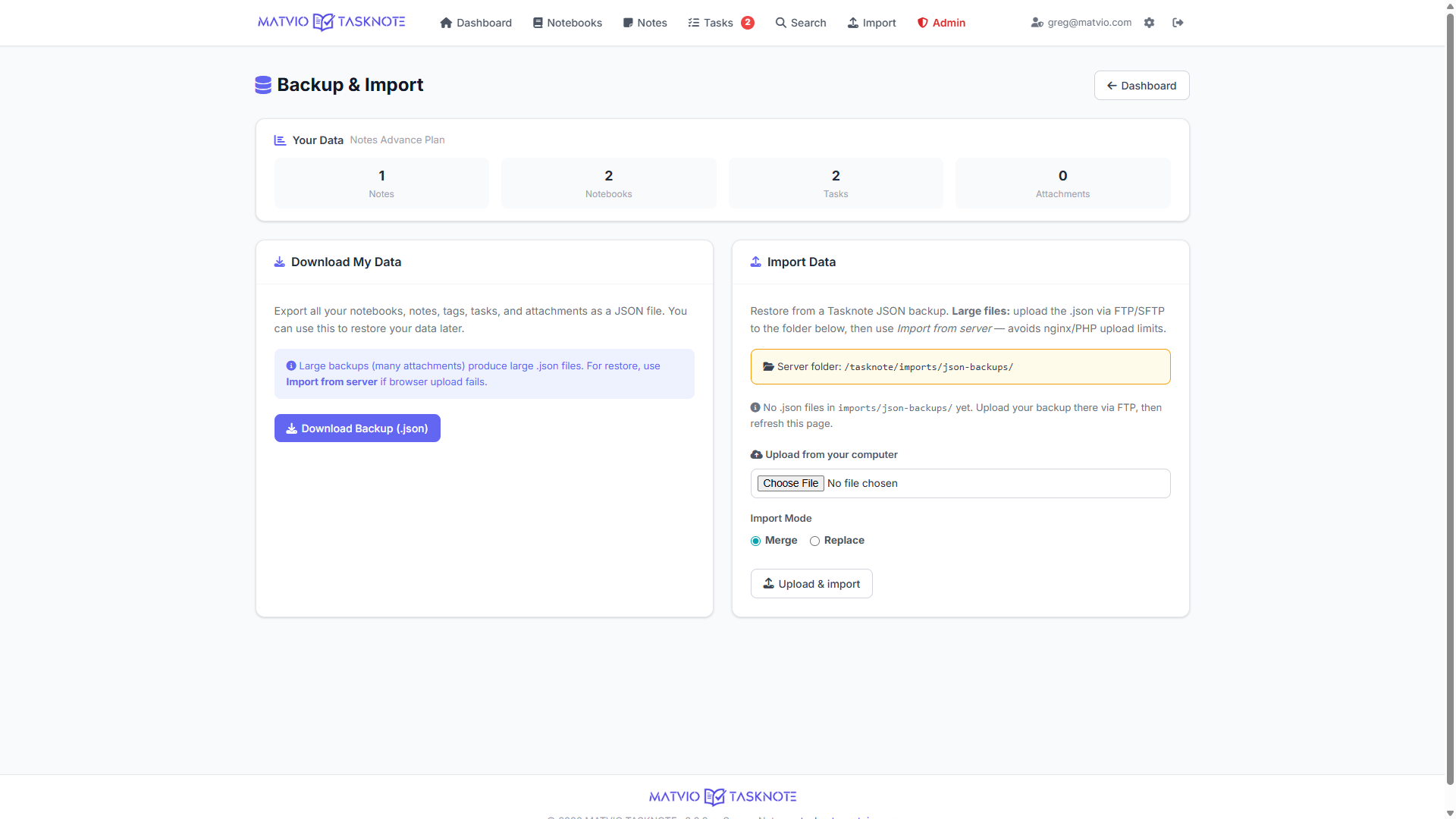
Export your data as JSON and restore it later — merge into your account or replace carefully. Large files can be imported from the server to avoid upload limits.
Pin important notebooks and notes; deleted notes can be tracked with archive-style fields for a realistic workflow.
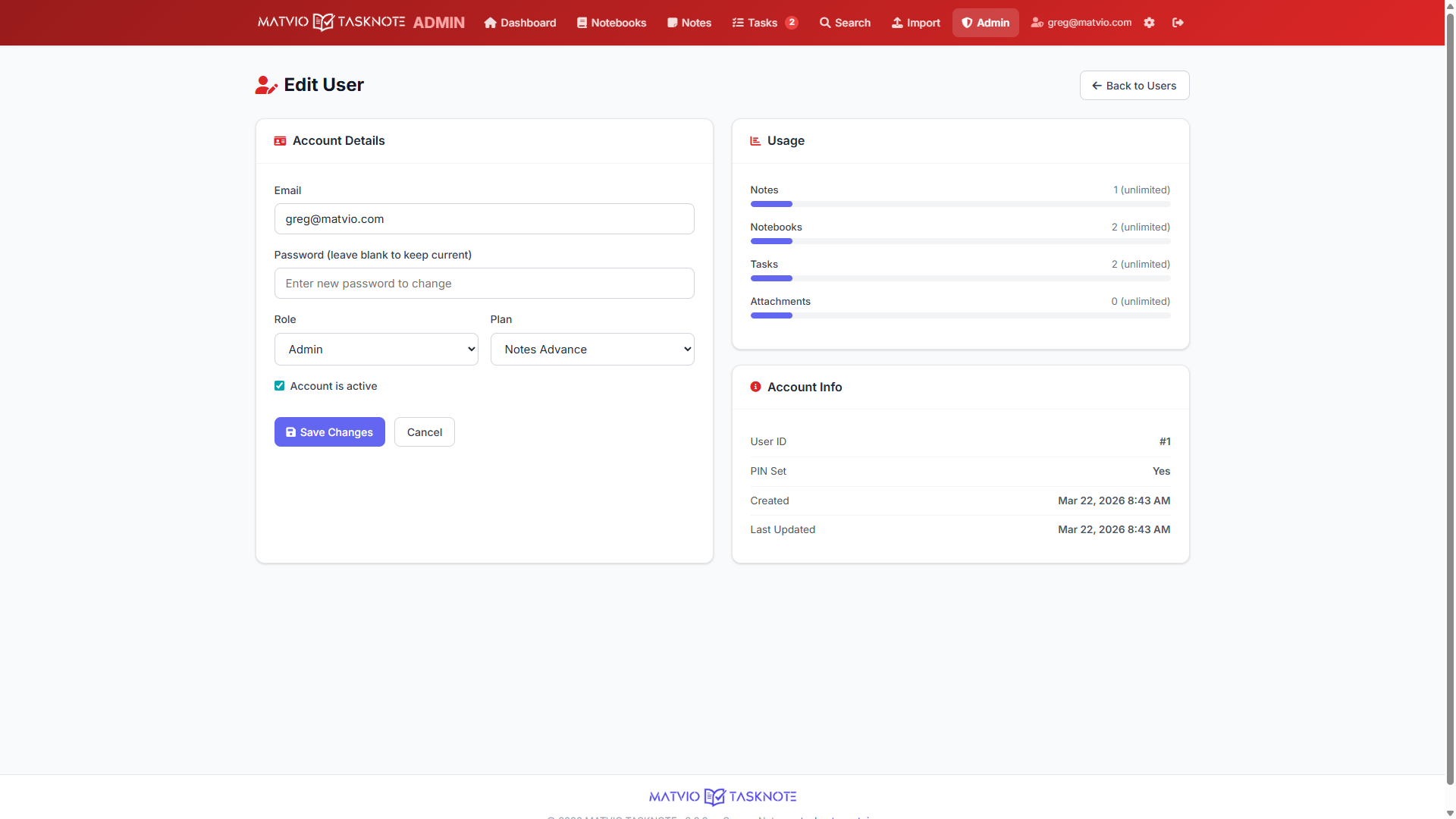
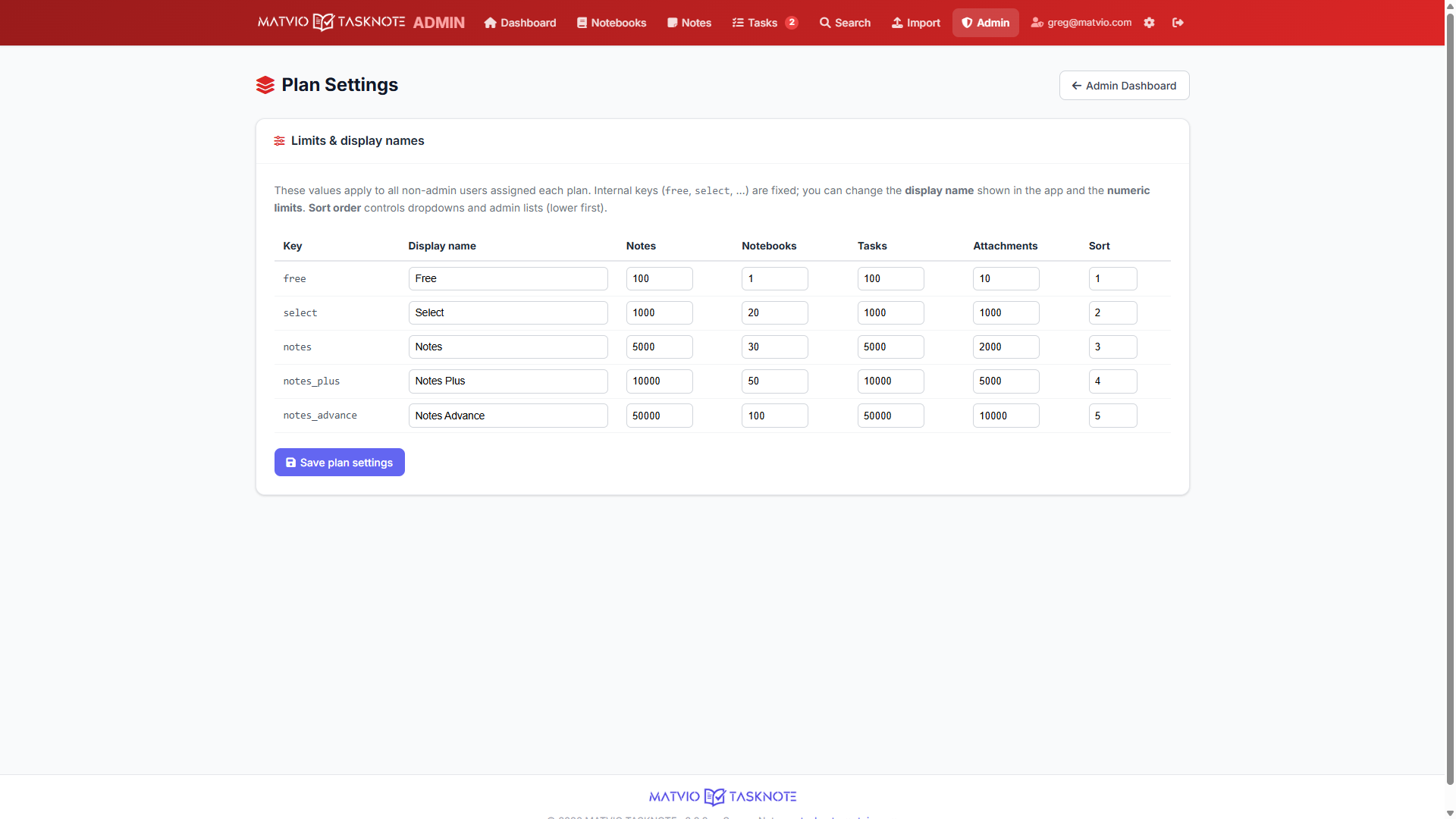
Per-plan limits on notes, notebooks, tasks, and attachments keep the system predictable. See usage on the dashboard and backup screens.
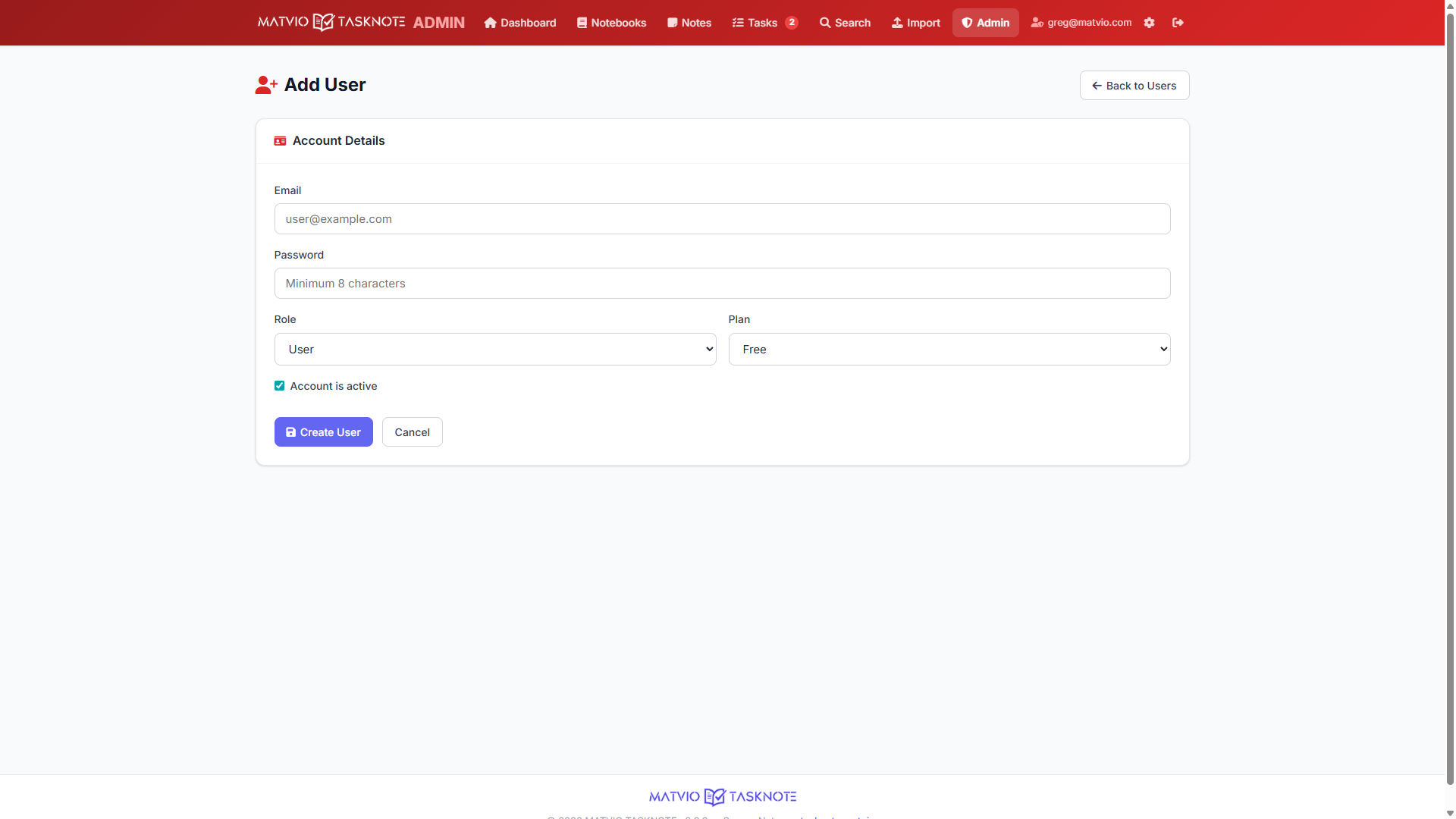
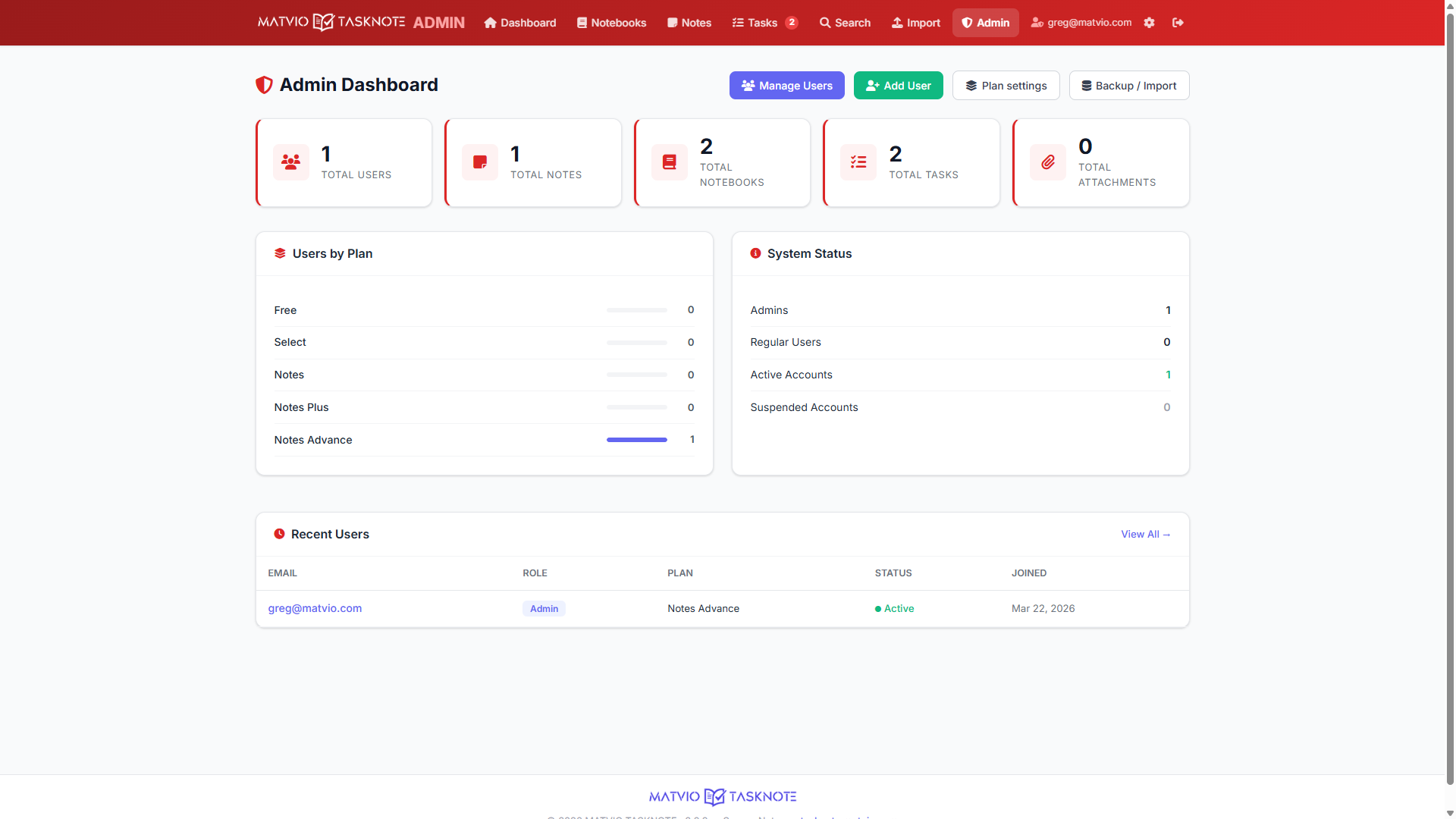
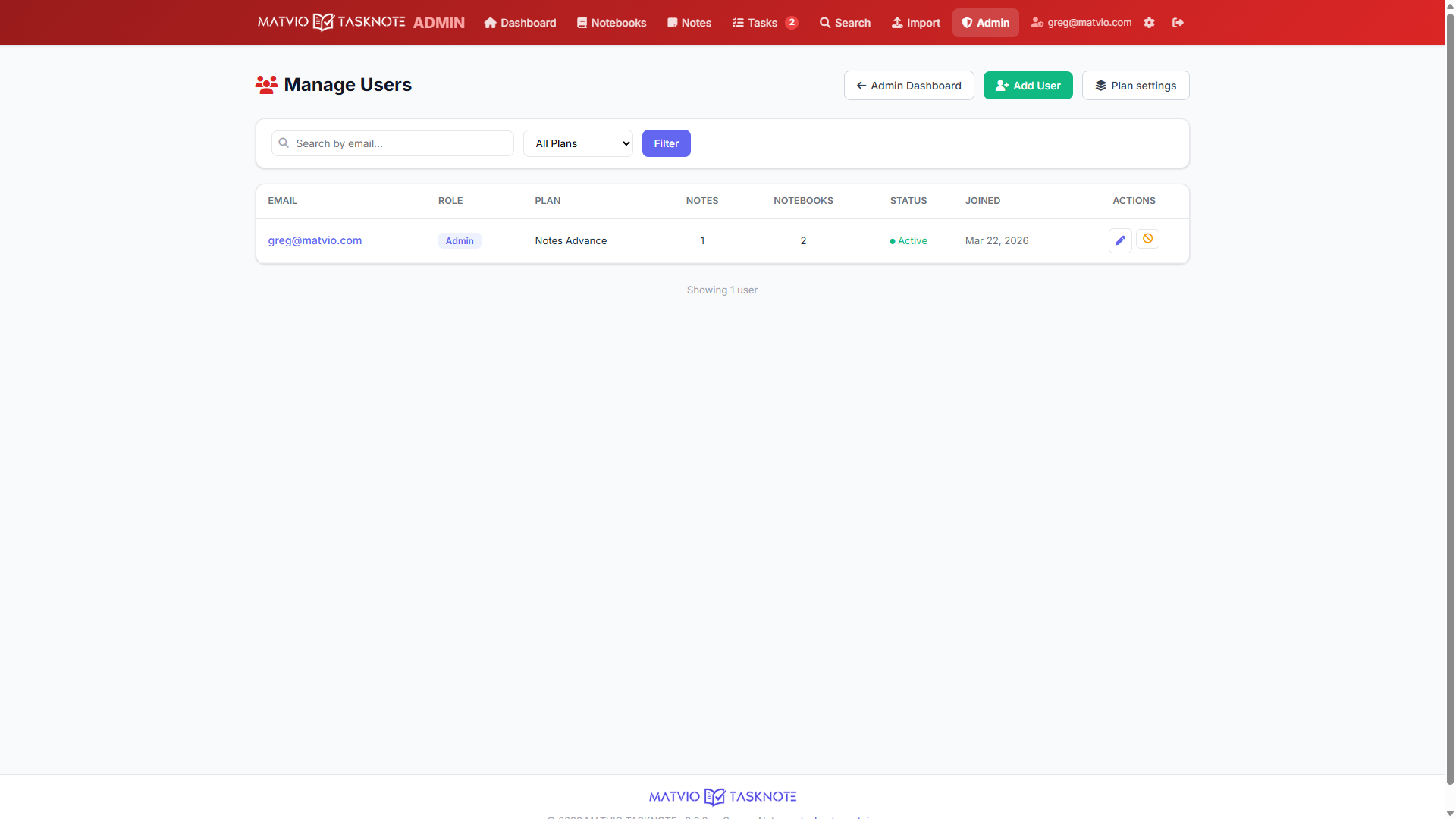
Administrators can manage users, database backups, and plan display settings — separate from day-to-day note taking.
Concrete behaviors you can expect from the application as shipped.
Stop renting your software. Start owning it.
Download MATVIO TASKNOTE and build your own private note system in minutes.
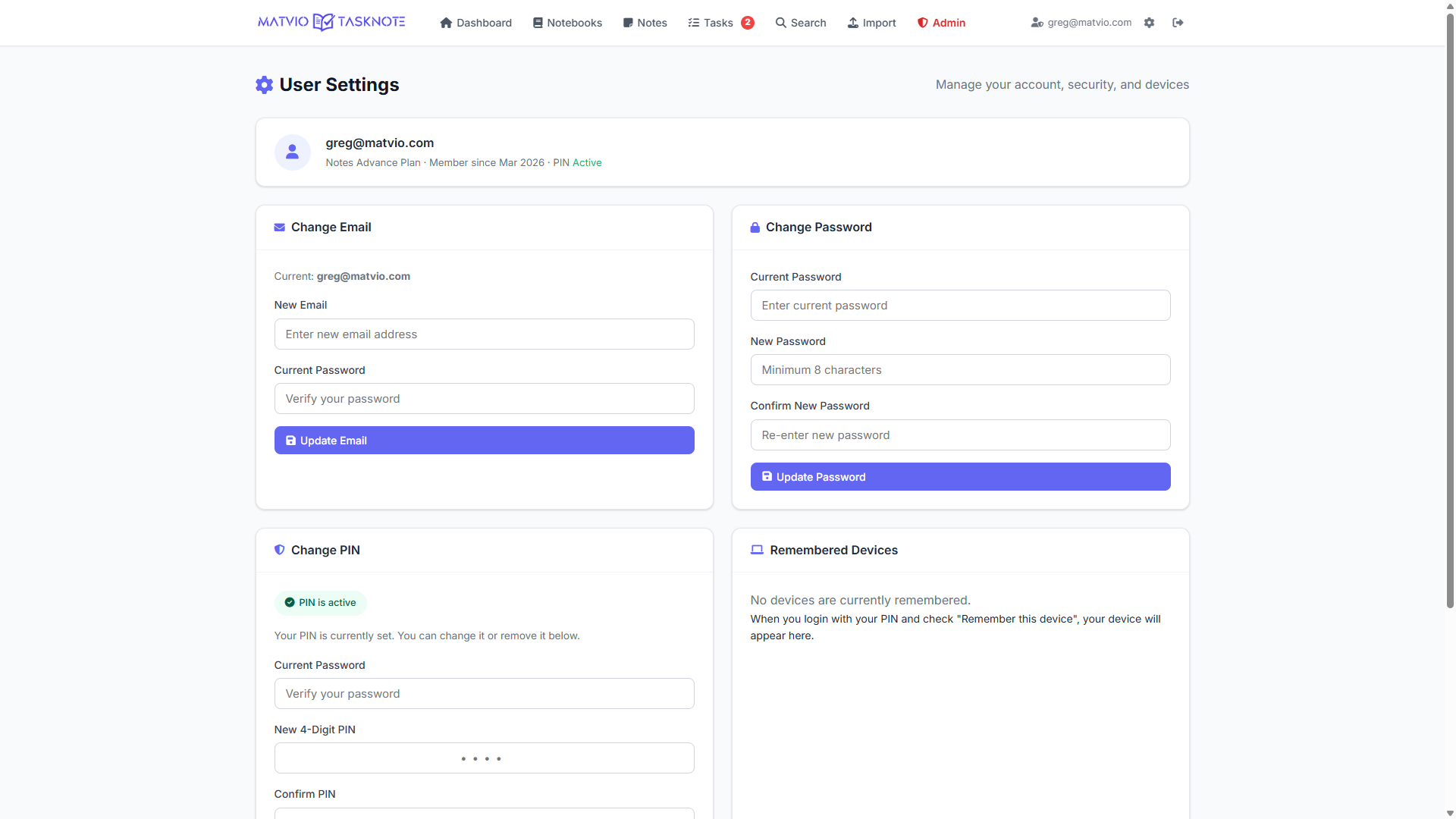
TASKNOTE is built for deployment on infrastructure you control. Combine HTTPS, strong passwords, regular database backups, and JSON exports so recovery never depends on a single vendor. PIN verification adds a second factor-style gate after password success for accounts that enable it.